1. Add
Add an exam, assignment or personal task with only the fields it actually needs.
Keep assignments, exams and study days in one place. When it is time to work, open Study and pick up where you left off.
Free plan available. No payment card required to create a free account.
One connected workflow
Each part of the app has one job, and each one hands you naturally to the next.
Add an exam, assignment or personal task with only the fields it actually needs.
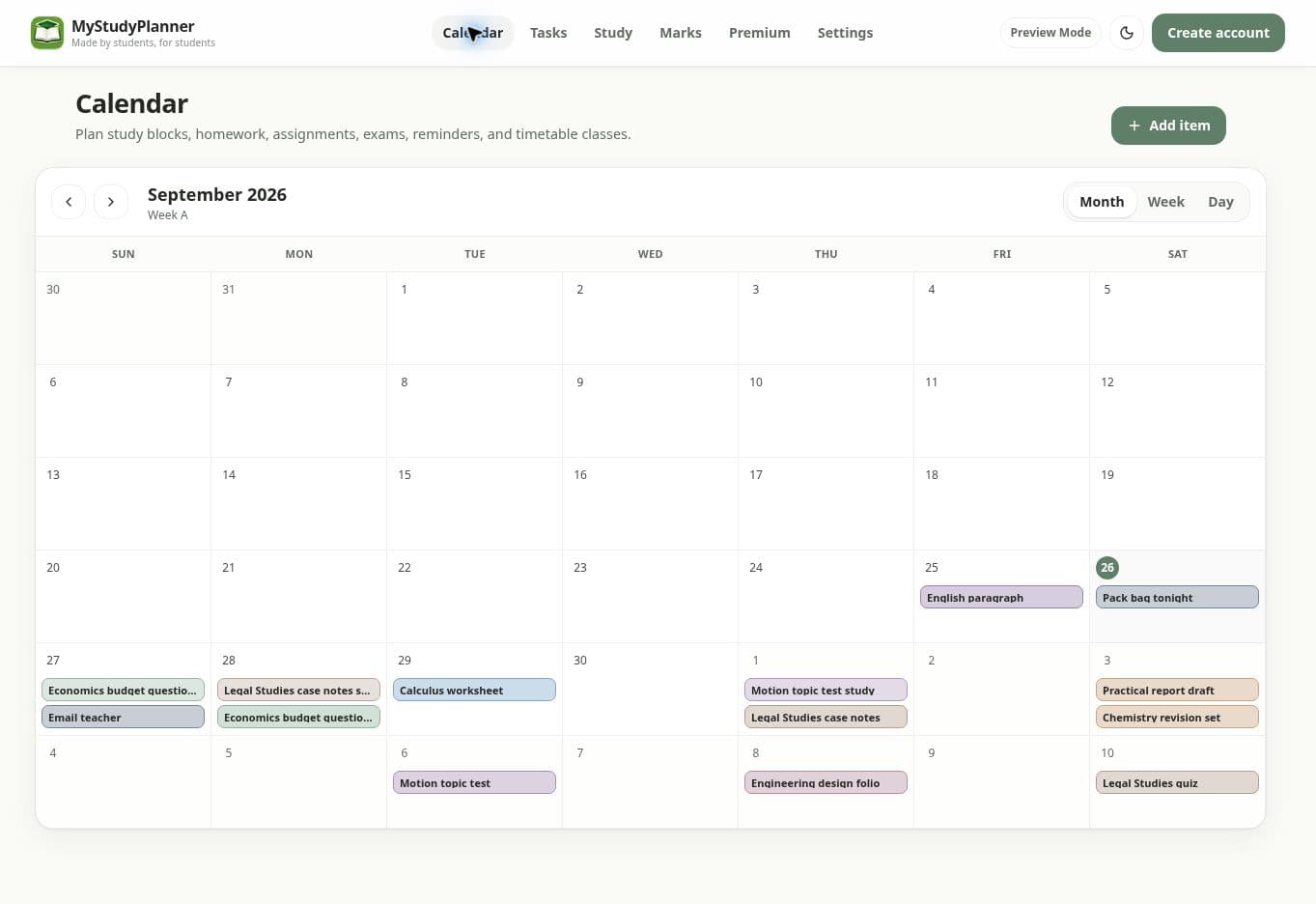
See it on Calendar and choose the days you want to prepare. Exact time is optional.
Open Study, see a recommended next assessment and start a linked focus session.
Record the result in Marks and keep preparation and performance connected.
Simple pricing
Subscriptions renew automatically at the selected monthly or yearly interval until cancelled. Manage or cancel from the Premium page.
Explore Premium in the demoYes. Calendar, Tasks and Study are available on the Free plan. Premium adds Marks and deeper performance insights.
Add an assignment or exam, choose the days you want to prepare, then open Study when you are ready to work. Exact times are optional.
Yes. MyStudyPlanner supports subjects, assignments, exams, homework, personal tasks, timetables and study sessions for both high school and university workflows.
Yes. Google Calendar import is optional and uses read-only calendar access so you can bring selected events into your planner.